A CRM workflow is an automated sequence inside your CRM: something happens, the system checks a condition, and it acts without anyone being asked. A form comes in, the lead gets assigned. A deal moves to proposal, a task appears for the rep. That much is settled and you can read it anywhere.
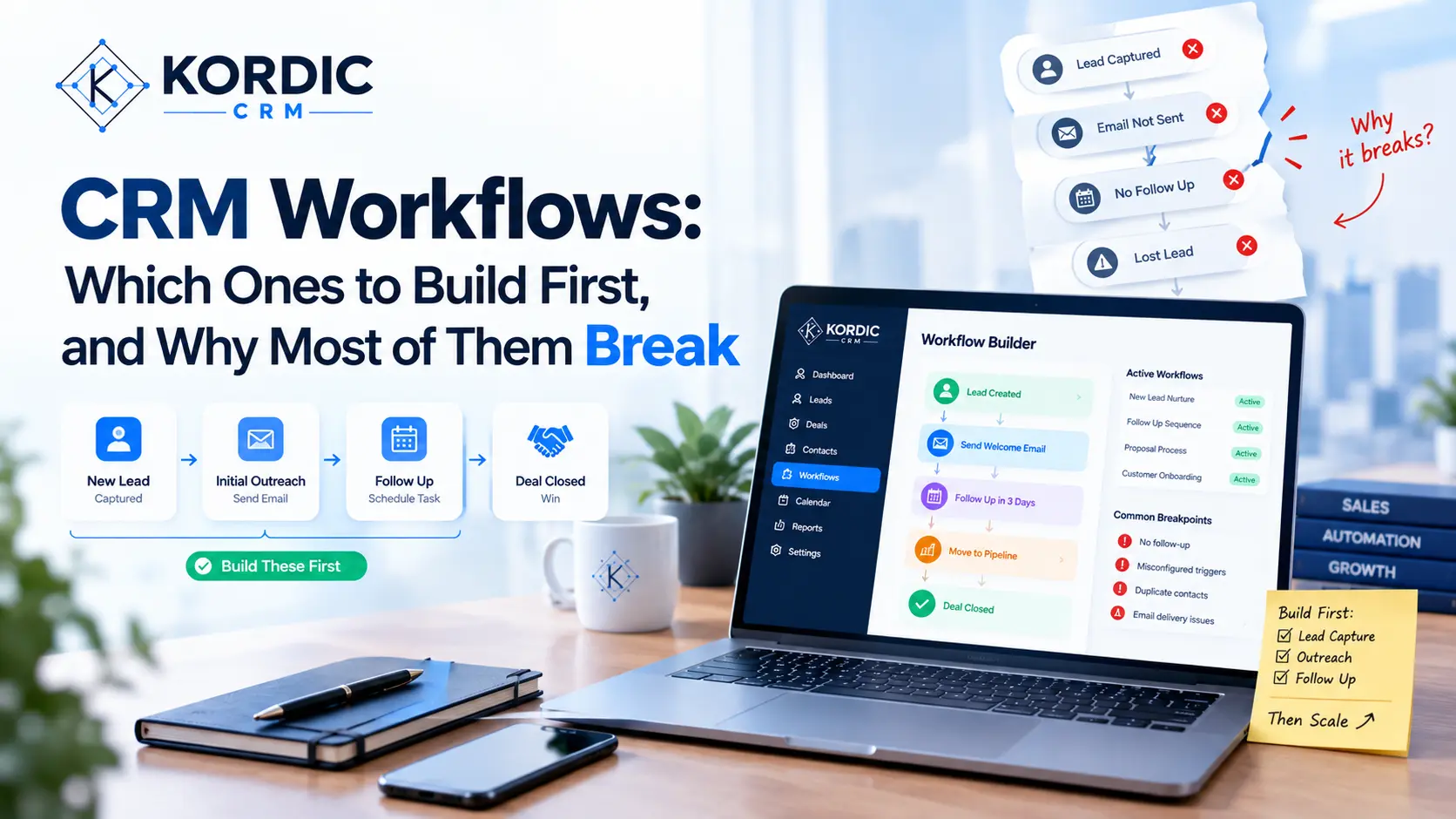
The part nobody writes about is that most CRM workflows quietly stop working within a year, and teams keep them switched on anyway. This post is about which workflows are worth building, the order to build them in, and the specific ways they fail.
Why most CRM workflows break
Almost every guide tells you to map your process and automate it. That advice is not wrong, it is just incomplete, because it assumes the process stays still. It does not. Here is what actually goes wrong.
They were built around a process that has since changed
You added a qualification stage. You split one pipeline into two. Someone left and their territory got redistributed. The workflow keeps firing against the old shape, routing leads to a rep who no longer covers that region, or skipping a stage that now matters. It does not throw an error. It just becomes wrong, silently, and nobody notices until a deal goes missing.
They were built by someone who left
Workflow builders make it easy to create a rule and nearly impossible to explain it later. Six months on, nobody knows why leads over a certain value get a different owner, so nobody touches it. Undocumented automation becomes untouchable automation, and untouchable automation is how a CRM ends up with forty rules and no one willing to audit them.
They automate the wrong half of the job
The easy things to automate are usually the things that were not costing much time. Sending an internal notification is trivial to build and saves nobody anything, because the rep was already looking at the pipeline. The expensive parts, working out which lead deserves attention today and writing something that does not read like a template, are the parts rule-based automation was never able to touch.
Nobody ever turns one off
Workflows accumulate. Every quarter someone adds two and removes none. Eventually a single form submission triggers four rules that fight each other, a lead gets assigned twice, and two reps call the same person on the same afternoon. That is not a CRM problem. It is a maintenance problem that no one owns.
The rule worth adopting: if a workflow has not been reviewed in twelve months, assume it is wrong until you have checked it.
The five workflows to build first, in order
Do not build ten. Build these five, in this sequence, and only add more when you can name the hour they save.
| # | Workflow | Trigger | Why it goes first |
|---|---|---|---|
| 1 | Lead capture and assignment | Form submission, inbound email, or ad lead | Speed to first response predicts conversion more than almost anything else you control. Manual assignment is where hours get lost. |
| 2 | Activity logging | Any email, call or meeting with a contact | Not glamorous, and the single biggest cause of CRM abandonment. If reps have to log manually, they stop, and every other workflow starts running on incomplete data. |
| 3 | Stage change tasks | Deal moves between pipeline stages | Encodes your sales process so it survives people leaving. New reps inherit the method instead of guessing at it. |
| 4 | Stale deal alerts | No activity on an open deal for N days | Catches the deals that die of neglect rather than rejection, which is most of them. |
| 5 | Post-close handover | Deal marked won | Invoice, onboarding tasks, account owner change. The handover gap is where new customers form their first real opinion of you. |
Notice what is not on the list. Nothing here is a nurture sequence, a scoring rule tuned by hand, or a multi branch tree. Those come later, if at all, and they come after the five above are running and reviewed.
Rule-based workflows versus what CRMs can do now
The standard definition of a CRM workflow, a chain of if this then that rules, describes what these systems could do in 2015. It is still accurate and it is no longer the whole picture.
A rule can only act on facts you thought to write down in advance. It can tell you a deal has had no activity for nine days. It cannot tell you which of your forty open deals is most likely to close this month, because that is a judgement drawn from patterns across your history rather than a condition you can express as a threshold.
That is the practical split between rule-based and AI-driven workflow features in modern CRMs, covered in more depth in our AI CRM vs traditional CRM comparison:
| Job | Rule-based workflow | AI-driven |
|---|---|---|
| Assign a lead to a rep | Good. Deterministic and auditable, which is what you want here. | Unnecessary. Do not use a model for something a rule does correctly. |
| Decide who to call today | Static point scores that nobody revisits and reps ignore. | Ranks against your own closed won and closed lost history, and updates as engagement changes. |
| Write the follow-up | Merge fields in a template. Reads like a template. | Drafted from the actual thread and deal context, for a human to edit and send. |
| Flag a deal at risk | Fires on elapsed days. Catches obvious cases, misses the rest. | Weighs engagement drop, stage duration and pattern against similar deals. |
| Forecast the quarter | Sums the pipeline by stage probability you set once. | Weighted on how deals like these actually behaved. |
The takeaway is not that AI replaces rules. Rules are better for anything that must be predictable and explainable, and lead routing should stay a rule. The shift is that the judgement work, which used to be the part automation could not reach, is now the part where most of the remaining time is.
What not to automate
- Anything a customer will notice as automated. A template follow-up with the wrong first name does more damage than sending nothing.
- Decisions with consequences nobody reviews. Auto-closing deals as lost, auto-deleting records, auto-discounting. Flag these for a person instead.
- A process that is still changing. Automating a workflow you are actively redesigning locks in a version you are about to abandon.
- Anything you cannot describe in one sentence. If the rule needs a paragraph to explain, it will be untouchable in six months. Split it or drop it.
- The exception you hit twice a year. The build and maintenance cost will exceed doing it by hand forever.
How to audit the workflows you already have
If your CRM has been running for more than a year, start here rather than building anything new. Set aside two hours.
- List every active workflow. Most teams are surprised by the count.
- For each one, write the hour it saves per month and who benefits. If you cannot, mark it.
- Check every rule that references a person, a pipeline stage, or a territory against how the team is actually organised today. This is where most of the rot is.
- Find rules that fire on the same trigger and check they cannot contradict each other.
- Turn off everything you marked. Nothing will break. If something does, you have learned it was load bearing and you can switch it back on with documentation this time.
- Put a recurring reminder in the calendar to do it again in twelve months, with a named owner. A workflow system without an owner degrades on a predictable schedule.
Do you need a separate workflow tool?
Usually not, and this is worth settling before anyone buys anything.
If the workflow starts and ends with customer and deal data, it belongs in the CRM. Running it in a separate automation tool means syncing records between two systems, and that sync becomes its own failure point, usually the one that is hardest to debug because the symptom shows up in a system that is not where the problem is.
A separate tool earns its place when the workflow crosses systems that have nothing to do with each other: CRM to accounting to a fulfilment platform to a messaging app. That is genuine integration work and a dedicated automation layer handles it better than any CRM will.
The practical test: if every step touches a record that lives in the CRM, keep it in the CRM. Check your platform has a real open API and webhooks anyway, because the day you do need to cross systems, that is what decides whether it takes an afternoon or a project.
Frequently asked questions
What is a CRM workflow?
Can you give an example of a CRM workflow?
What are the five steps of building a workflow?
How do I organise my sales team's workflow?
What is the difference between workflow automation and CRM automation?
How often should CRM workflows be reviewed?
Where to start
Pick one workflow from the list of five, build it this week, and measure whether it saved the hours you expected. That is a more useful first step than a workflow audit spreadsheet nobody fills in.
If you are choosing a CRM and workflow capability is part of the decision, Kordic covers the five above out of the box, along with lead scoring that shows its reasoning, automatic email and call logging, stale lead alerts and an open API for the day a workflow does need to cross systems. There is a three month free trial with no card required, which is long enough to run your real pipeline through it rather than a demo dataset.