A CRM for a small business is a shared record of every lead, customer and deal, so the whole team can see who said what, what was promised, and what happens next. At 5 to 50 people, that usually replaces a mix of spreadsheets, inboxes and memory.
The hard part is not buying one. It is choosing one your team still uses three months later. This guide covers what to look for, what it should cost, and how to decide.
What a CRM does for a small business
For a small team, a CRM earns its place by doing four jobs well:
- Keeps every lead in one place. Enquiries from email, web forms, phone calls and WhatsApp land on one list instead of five inboxes.
- Shows where every deal stands. A pipeline board makes it obvious which deals are moving and which have gone quiet.
- Makes follow-up somebody's job. Each lead has an owner and a next step, so nothing depends on one person remembering.
- Connects the sale to the money. Quotes, invoices and payment status sit next to the deal, so "won" and "paid" are never confused. We explain why this matters in the quote to cash process.
Signs your business needs one now
- A lead went cold because two people each thought the other had replied.
- You can't say how much is in your pipeline without asking around.
- Someone left, and their customer conversations left with them.
- Invoices go out late, or you find unpaid ones at month end.
- The sales spreadsheet has more than one "final" version.
Two or more of these usually means the spreadsheet is costing you more than a CRM would.
Features that matter at 5 to 50 people
| Feature | Why it matters for a small team | Priority |
|---|---|---|
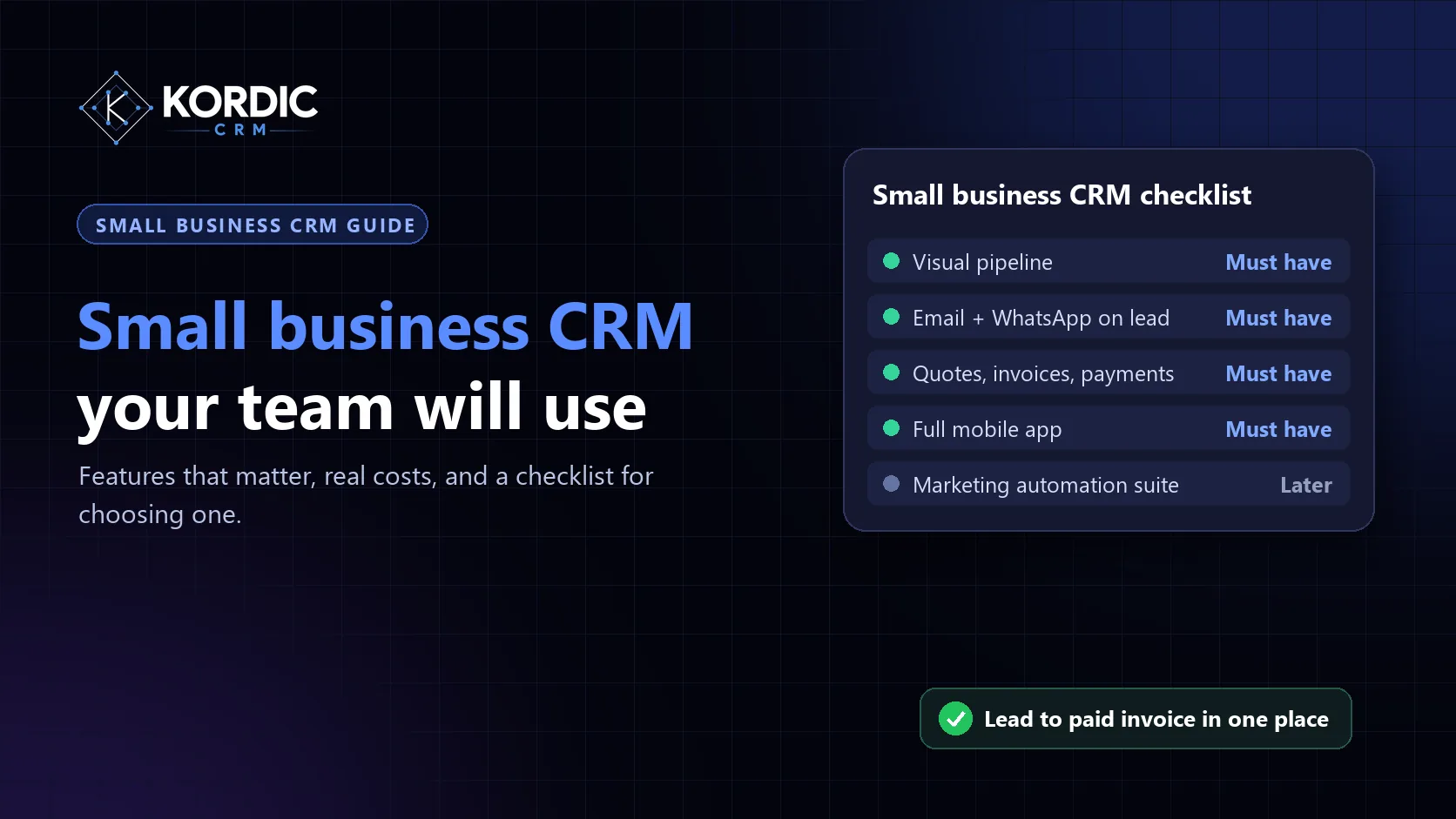
| Visual pipeline | Everyone sees every deal and its stage without a report | Must have |
| Gmail and Outlook on the lead | Email history follows the customer, not the inbox | Must have |
| WhatsApp Business on the lead | Essential if customers message you more than they email | Must have for WhatsApp-heavy markets |
| Quotes and invoices from the deal | No retyping numbers into a separate tool | Must have |
| Payment tracking | See what has been paid and what is still open | Must have |
| Mobile apps | Sales and field staff update deals where they are | Must have |
| Roles and permissions | Agents see their leads; managers see everything | Important from about 5 people |
| AI briefings and lead scoring | Saves prep time and shows where to focus | Useful |
| Marketing automation | Campaigns and nurture sequences | Later, or a separate tool |
What a small business CRM should cost
Most CRMs charge per user, per month. When you compare prices, look at three things rather than the headline number:
- The plan you will actually need. The cheapest tier often leaves out the features in the table above.
- Add-ons. Quoting, invoicing, AI and integrations are sometimes extra. Add them to the total.
- The whole team. Multiply by everyone who needs a login, including managers and whoever handles payments.
For example, Kordic CRM Starter is $4.99 per user per month, so a team of 5 pays $24.95 a month. Growth is $39.99 a month for 10 users, and Business is $99.99 a month for 25 users, with quotes, invoices and payment tracking on every plan.
A checklist for choosing one
- Write down the five things your team does every day: add a lead, follow up, send a quote, invoice, check payment.
- Shortlist two or three CRMs that do all five without add-ons.
- Run a one-week trial with the people who will use it most. Import real leads from a CSV file.
- Check the mobile app does what the web app does.
- Price the plan and add-ons you would really need for the whole team for a year.
- Make sure you can export your data at any time.
For a shorter version of this test, see what "simple" should mean in a CRM.
Common mistakes
Buying for the team you might have in five years. Enterprise features slow a small team down today. Pick what fits now and check you can grow into higher plans later.
Stopping at closed-won. If the CRM ends when the deal is won, invoicing and payment tracking drift back into spreadsheets.
Skipping the rollout. Agree on stages, owners and what "follow up" means before you import anything. Our guide to sales pipeline management covers this.
Where Kordic CRM fits
Kordic CRM is a sales CRM for teams of roughly 5 to 50 that want the whole deal in one place: a visual pipeline, Gmail, Outlook and WhatsApp on the lead, quotes and invoices from the deal, and payment tracking with an accountant confirm step. AI briefings and lead scoring are included, iOS and Android apps have the same features as the web app, and we migrate your data for free.
Plans start at $4.99 per user per month, with 3 months free and no credit card. Start a free trial or book a demo.
Related questions
What is the best CRM for a small business?
How much should a small business spend on a CRM?
Do small businesses really need a CRM?
How long does it take to set up a CRM?
See how Kordic CRM takes a small team from first enquiry to paid invoice. Explore the features or check pricing.