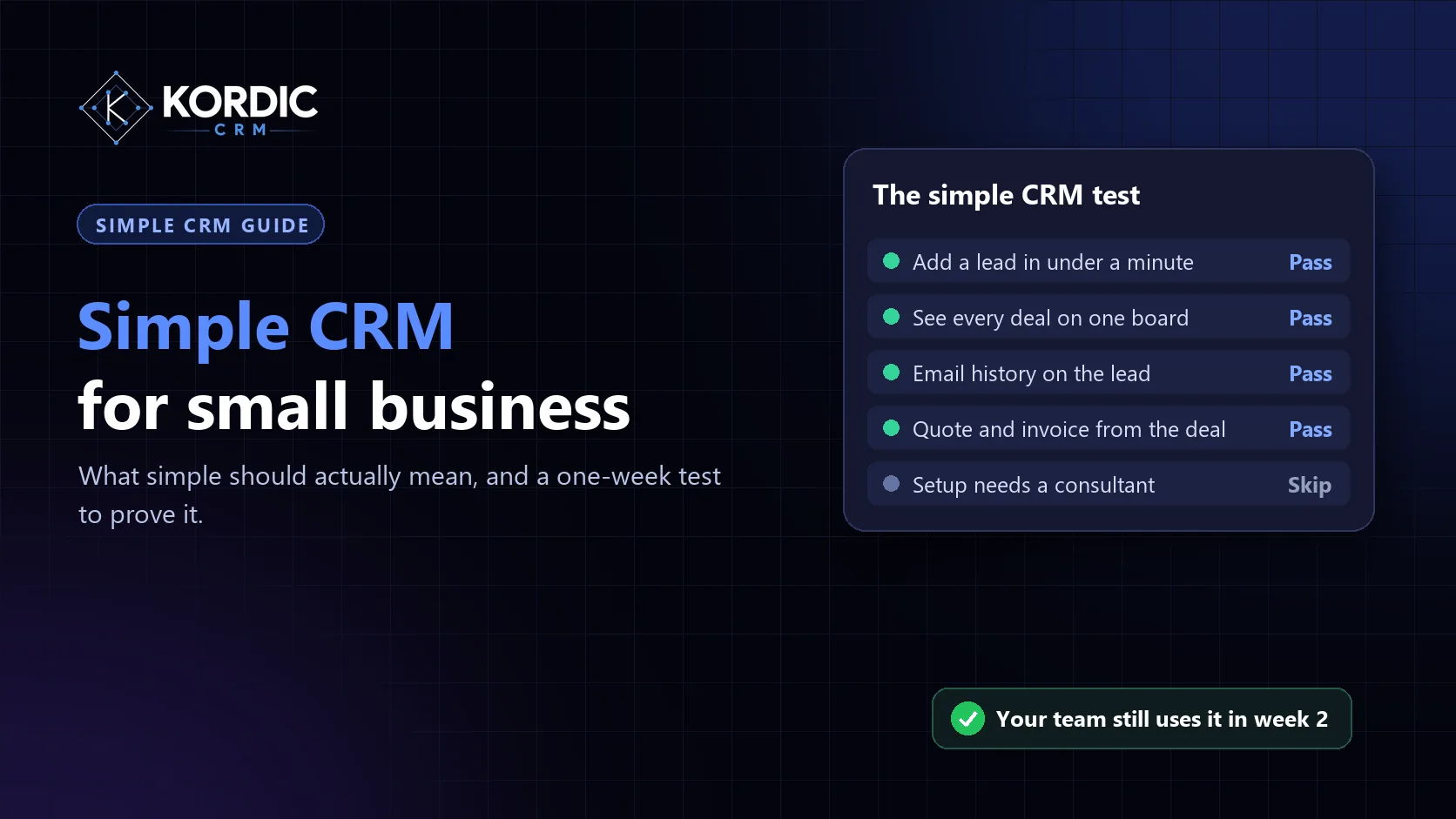
A simple CRM is one your team keeps using after the first week. That is the whole test. Most small businesses don't drop a CRM because it lacks features. They drop it because adding a lead takes too long, nobody can find anything, and the spreadsheet was quicker.
This guide sets out what a simple CRM has to do, what it can safely leave out, and how to check both in a short trial before you commit.
What "simple" should mean
Simple is not the same as small. A CRM with very few features can still be hard to use if the few it has are slow or confusing. A useful definition for a small team has three parts:
- Fast to update. Adding a lead, logging a call or moving a deal should take seconds, on a laptop or a phone.
- Obvious to read. Anyone on the team can open it and see what is happening without a tour.
- Covers the whole sale. It follows the deal far enough that nobody needs a second tool to finish the job.
The third point gets missed. A CRM that stops at "deal won" pushes the quote, the invoice and the payment into other places. That is where small teams lose track of money, and where the simple tool starts to feel like extra work.
The six things a simple CRM must do
| Must do | Why it matters | How to check it |
|---|---|---|
| One place for every lead | Leads from email, forms, WhatsApp and calls end up in one list | Add three leads from three sources in five minutes |
| A visual pipeline | The team sees every deal and its stage at a glance | Drag a deal to the next stage; it should take one move |
| Email on the lead | Anyone can pick up a conversation without asking for forwards | Connect Gmail or Outlook and send one email from a lead |
| Follow-up reminders | Deals go cold when nobody owns the next step | Set a follow-up and check it shows up the next day |
| Quotes and invoices from the deal | No retyping the same numbers in another tool | Turn a won deal into a quote, then an invoice |
| A mobile app | Field and sales staff update deals where they are | Log a call from your phone in under a minute |
If a CRM fails two or more of these in your trial, it will not feel simple once the whole team is on it.
What a simple CRM can skip
Small teams are often sold features they won't use for years. You can usually skip these at the start:
- Complex automation builders. A few clear reminders do more than a flowchart nobody maintains. We cover which workflows are worth building in CRM workflows: which to build first.
- Marketing suites. Email campaigns, landing pages and ad tools are a different job. Keep them separate until sales is running smoothly.
- Custom objects and heavy configuration. If setup needs a consultant, it is not simple.
- Advanced forecasting models. A weighted pipeline is enough for most teams under 25 people. See sales forecasting methods.
Signs a CRM is not simple, even if it says it is
- The free plan is easy, but every useful feature sits behind a higher tier.
- You need an onboarding call before you can add your first lead.
- Quotes, invoices or payments need a separate add-on or another app.
- The mobile app is a cut-down viewer rather than the full product.
- Your team asks "where do I put this?" more than once in the first week.
A one-week test before you commit
Run this with two or three people who will actually use the CRM every day:
- Day 1: import your current leads from a spreadsheet saved as CSV. Time how long it takes.
- Day 2: connect email and send three real follow-ups from inside the CRM.
- Day 3: move every open deal to the right stage. Check the board makes sense to someone who wasn't involved.
- Day 4: take one deal from quote to invoice. Note anything you had to do outside the CRM.
- Day 5: ask each person what they would stop using the CRM for. Their answers tell you more than any feature list.
If people are still opening it unprompted on day 5, it is simple enough.
Where Kordic CRM fits
Kordic CRM is built to pass that test for teams of roughly 5 to 50: a visual pipeline, Gmail, Outlook and WhatsApp on the lead, follow-ups you can see, and quotes, invoices and payment tracking on the same deal. iOS and Android apps have the same features as the web app, and we migrate your data for free, or you can import your leads from CSV on day one.
Kordic CRM starts at $4.99 per user per month, with 3 months free and no credit card. Start a free trial and run the one-week test on your own deals.
Related questions
What is the simplest CRM for a small business?
Is a spreadsheet good enough instead of a CRM?
How long should it take to set up a simple CRM?
Want to see a simple CRM that follows the deal to the paid invoice? Explore Kordic CRM features or book a short demo.